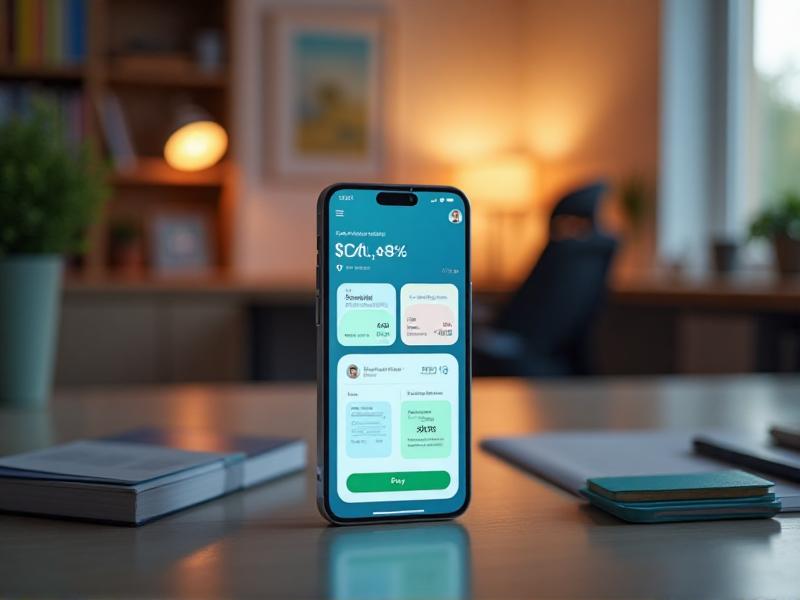


Understanding the Basics of Mobile Banking Apps
Mobile banking apps have revolutionized the way we manage our finances. These apps allow users to perform a wide range of banking activities directly from their smartphones, including checking account balances, transferring funds, paying bills, and even depositing checks. To use these apps effectively, it's essential to understand their basic features and functionalities.
Most mobile banking apps offer a user-friendly interface that makes it easy to navigate through various options. You can typically find sections for account overview, transactions, payments, and settings. Familiarizing yourself with these sections will help you quickly access the information you need.
Security is a crucial aspect of mobile banking. Most apps require you to set up a secure login method, such as a password, PIN, or biometric authentication (fingerprint or facial recognition). Understanding these security features will help you protect your financial information from unauthorized access.
Setting Up Your Mobile Banking App for Success
Setting up your mobile banking app correctly is the first step toward effective use. Start by downloading the official app from your bank's website or a trusted app store. Avoid third-party apps that may not be secure.
Once installed, follow the setup instructions provided by your bank. This usually involves verifying your identity, linking your accounts, and setting up security features like two-factor authentication. Taking the time to complete these steps thoroughly will ensure a smooth and secure banking experience.
Customizing your app settings can also enhance your experience. For example, you can enable notifications for account activity, set up quick access to frequently used features, and personalize the app's appearance. These small adjustments can make a big difference in how efficiently you use the app.
Navigating the Features of Mobile Banking Apps
Mobile banking apps come packed with features designed to make managing your finances easier. One of the most commonly used features is the account overview, which provides a snapshot of your account balances and recent transactions. This feature is particularly useful for keeping track of your spending and ensuring that your accounts are in good standing.
Another essential feature is the ability to transfer funds between accounts. Whether you're moving money from your checking to your savings account or sending money to a friend, the process is usually straightforward and can be completed in just a few taps.
Bill payment is another convenient feature offered by most mobile banking apps. You can set up one-time or recurring payments for utilities, credit cards, and other bills. This feature helps you stay on top of your financial obligations and avoid late fees.
Maximizing Security in Mobile Banking
Security should be a top priority when using mobile banking apps. Start by choosing a strong, unique password for your account. Avoid using easily guessable information like birthdays or common words. Consider using a password manager to generate and store complex passwords.
Enable two-factor authentication (2FA) if your bank offers it. This adds an extra layer of security by requiring a second form of verification, such as a code sent to your phone, in addition to your password. Biometric authentication methods like fingerprint or facial recognition can also enhance security.
Be cautious when using public Wi-Fi networks, as they can be less secure. If you need to access your mobile banking app while on the go, consider using a virtual private network (VPN) to encrypt your connection and protect your data.
Utilizing Budgeting and Financial Tools
Many mobile banking apps offer built-in budgeting and financial tools to help you manage your money more effectively. These tools can provide insights into your spending habits, categorize your expenses, and even offer personalized financial advice.
Take advantage of these features to create a budget that works for you. Set spending limits for different categories, track your progress, and adjust your budget as needed. Some apps also offer savings goals, allowing you to set aside money for specific purposes like vacations or emergency funds.
Financial tools like credit score monitoring and investment tracking can also be valuable. Regularly checking your credit score can help you understand your financial health and take steps to improve it. Investment tracking features can help you keep an eye on your portfolio and make informed decisions.
Staying Informed with Notifications and Alerts
Notifications and alerts are powerful tools for staying informed about your financial activity. Most mobile banking apps allow you to customize these settings to receive updates on account balances, transactions, and payment due dates.
Setting up alerts for low balances can help you avoid overdraft fees, while transaction notifications can alert you to any unauthorized activity. Payment reminders can ensure that you never miss a due date, helping you maintain a good credit score.
It's important to strike a balance between staying informed and avoiding notification overload. Customize your alerts to receive only the most critical updates, and consider setting up a daily or weekly summary to keep track of your financial activity without being overwhelmed.
Exploring Advanced Features and Integrations
As mobile banking apps continue to evolve, they offer increasingly advanced features and integrations. Some apps now offer voice-activated banking, allowing you to perform tasks like checking your balance or transferring funds using voice commands.
Integration with other financial apps and services is another growing trend. For example, you can link your mobile banking app to budgeting apps, investment platforms, or even digital wallets. These integrations can provide a more comprehensive view of your financial situation and streamline your money management.
Take the time to explore these advanced features and see how they can enhance your banking experience. Whether it's using voice commands for convenience or integrating with other financial tools, these features can save you time and make managing your finances more efficient.
Tips for Troubleshooting Common Issues
Even the best mobile banking apps can encounter issues from time to time. Common problems include login difficulties, transaction errors, and app crashes. Knowing how to troubleshoot these issues can save you time and frustration.
If you're having trouble logging in, double-check your credentials and ensure that your internet connection is stable. If the issue persists, consider resetting your password or contacting your bank's customer support for assistance.
For transaction errors, review the details of the transaction to ensure that all information is correct. If you suspect an error, contact your bank immediately to resolve the issue. App crashes can often be resolved by updating the app to the latest version or restarting your device.
Making the Most of Customer Support and Resources
Customer support is an invaluable resource when using mobile banking apps. Most banks offer multiple channels for support, including phone, email, and live chat. Familiarize yourself with these options so you know where to turn if you encounter any issues.
In addition to direct support, many banks provide extensive online resources, such as FAQs, tutorials, and user guides. These resources can help you learn more about your app's features and troubleshoot common problems on your own.
Don't hesitate to reach out to customer support if you have any questions or concerns. Whether it's a technical issue or a question about a specific feature, the support team is there to help you make the most of your mobile banking experience.